How to analyze & tag any music collection
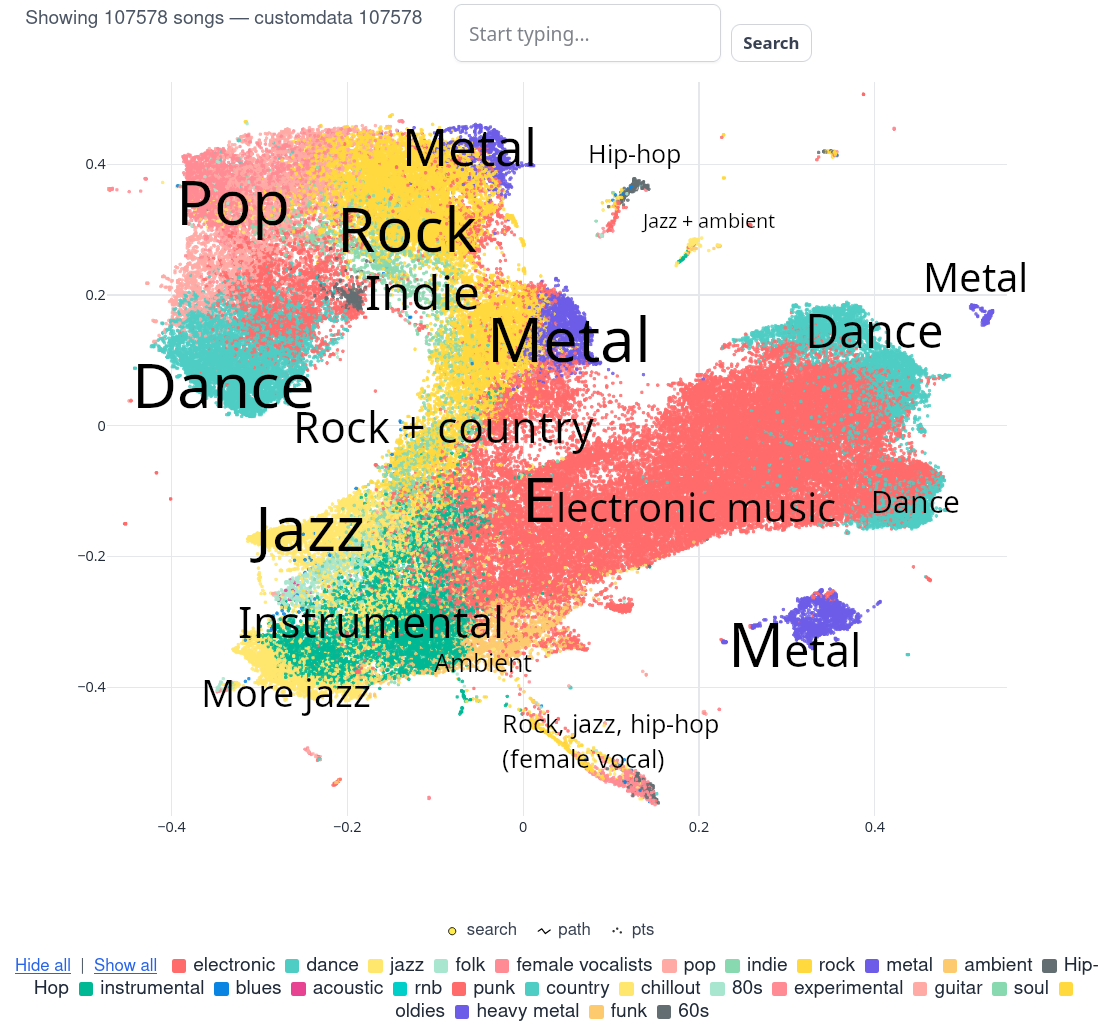
What and why?
I am a huge fan of doujin music from Touhou Project game series. I've been listening to (mostly early) TAMUSIC, Kairo and other circles since I was a high school kid (since 2009, I guess?). Finding new artists were, well, pretty hard – I had no friends within Touhou fandom, and had limited knowledge on related forums.
Touhou Lossless Music Collection & the scope of the task
I used to browse early Youtube for Touhou doujin music, but later I found TLMC. It was huge – 1.3Tb tracks in FLAC format back in, uh... 2017?
Luckily for me, there was a Touhou Lossy Music Collection. Same (I guess?) collection, but in MP3 format.
You can find TLMC now in Nyaa torrent tracker, current version is v6 – 6TB of FLAC files in 7z archives, sorted by circle & and their albums. Enjoy, if you can afford two 8TB drives – one for seeding, one for, well, FLAC files themselves.
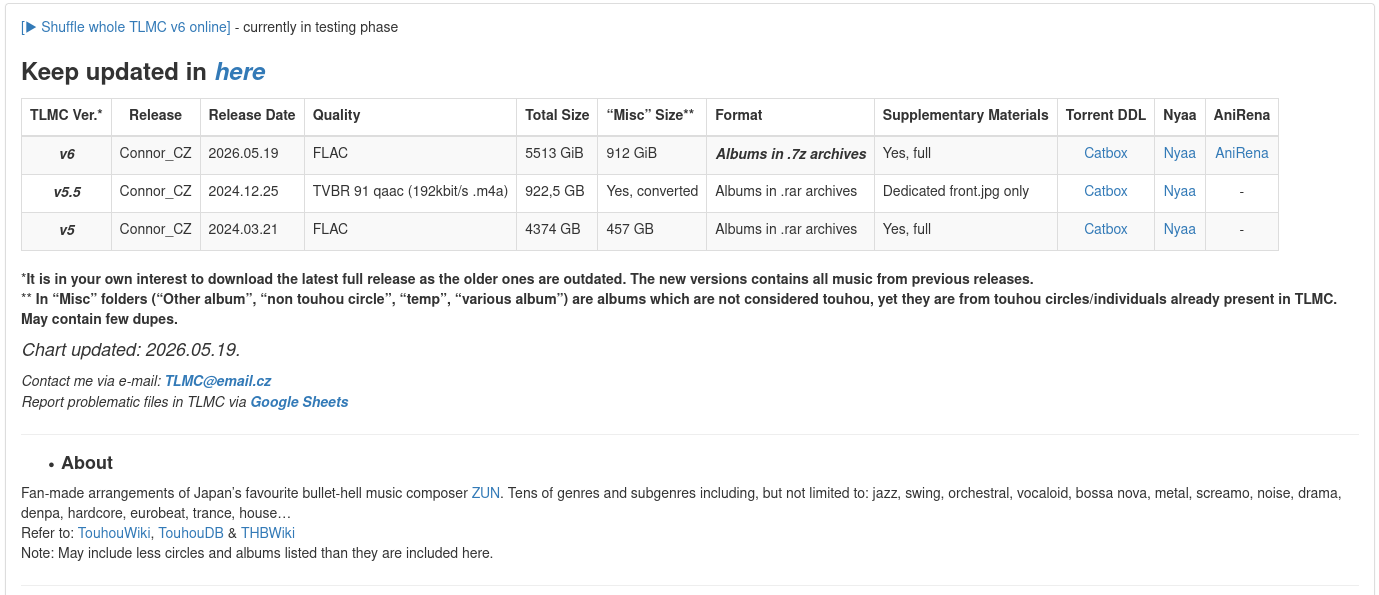
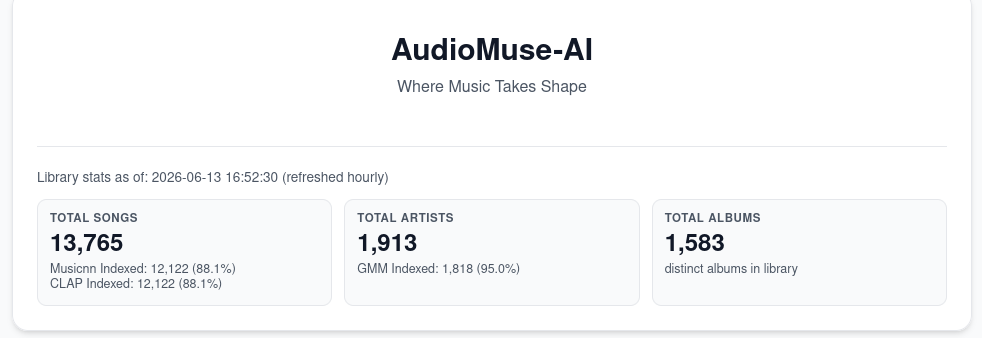
I have Touhou Lossy Music Collection – 900+Gb of files, 150 000+ tracks, and no way to search for similar artists.
The Tools
Quick note: I use Navidrome to stream my music collection, so I'm gonna use that app in my examples.
There is an interesting project called AudioMuse-AI, and looks like it at least can find similar songs – that means it can help me discover new artists.
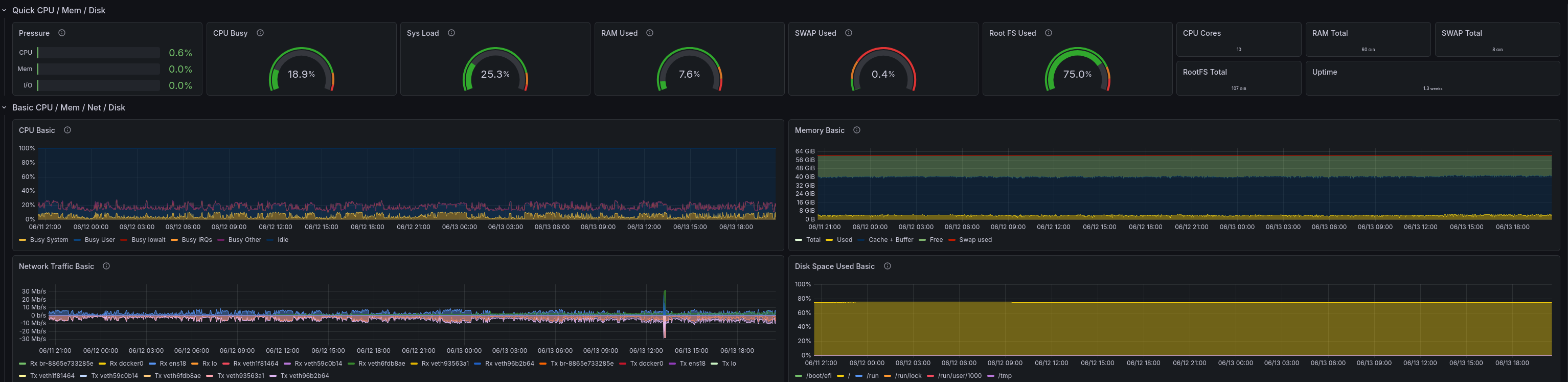
I also use Grafana (Open Source version) + Prometheus on the VM to monitor data from each and every VM in my homelab, including the one with AudioMuse-AI. As for collecting data, I use node_exporter & dcgm-exporter for monitoring NVidia GPU usage.
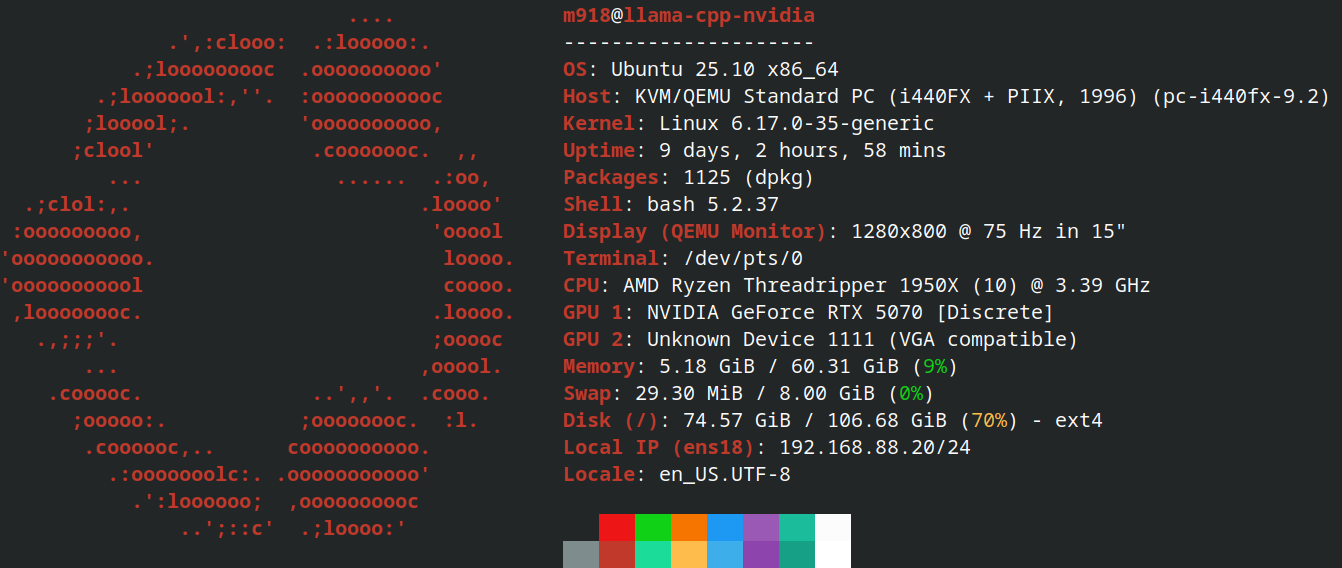
The hardware is modest. Main VM has:
- 9 CPU cores from Threadripper 1950X
- 60GB DDR4 RAM
- 100GB total disk space on Samsung 980 SSD
- RTX 5070, passed as PCI-E device
I also have access to the local LLM – Qwen3.6-35B MXFP4 model running on a llama-cpp.
The Setup
The setup is rather easy: update Navidrome to the 0.62.0 version, download & install plugin AudioMuse-AI for Navidrome.
The config file is pretty straightforward: I have these lines within [Plugins] block in /var/lib/navidrome/navidrome.toml:
[Plugins]
Enabled = true
Folder = "/mnt/plugins"    # Optional: custom plugins folder
AutoReload = true              # Useful during development/testing
LogLevel = "debug"             # Enable detailed plugin logging
CacheSize = "200MB"            # WASM compilation cache size
Agents = "audiomuseai,lastfm,spotify,deezer"
The AudioMuse-AI docker-compose.yml file looks like this:
version: '3.8'
services:
  # Redis service for RQ (task queue)
  redis:
    image: redis:7-alpine
    container_name: audiomuse-redis
    ports:
      - "${REDIS_PORT:-6379}:6379" # Expose Redis port to the host
    volumes:
      - redis-data:/data # Persistent storage for Redis data
    restart: unless-stopped

  # PostgreSQL database service
  postgres:
    image: postgres:15-alpine
    container_name: audiomuse-postgres
    environment:
      POSTGRES_USER: ${POSTGRES_USER:-audiomuse}
      POSTGRES_PASSWORD: ${POSTGRES_PASSWORD:-audiomusepassword}
      POSTGRES_DB: "audiomusedb"
    ports:
      - "${POSTGRES_PORT:-5432}:5432" # Expose PostgreSQL port to the host
    volumes:
      - postgres-data:/var/lib/postgresql/data # Persistent storage for PostgreSQL data
    restart: unless-stopped

  # AudioMuse-AI Flask application service
  audiomuse-ai-flask:
    image: ghcr.io/neptunehub/audiomuse-ai:latest-nvidia
    container_name: audiomuse-ai-flask-app
    ports:
      - "${FRONTEND_PORT:-8000}:8000" # Map host port 8000 to container port 8000
    environment:
      SERVICE_TYPE: "flask" # Tells the container to run the Flask app
      TZ: "${TZ:-UTC}"
      # DATABASE_URL is now constructed by config.py from the following:
      POSTGRES_USER: ${POSTGRES_USER:-audiomuse}
      POSTGRES_PASSWORD: ${POSTGRES_PASSWORD:-audiomusepassword}
      POSTGRES_DB: "audiomusedb"
      POSTGRES_HOST: "postgres" # Service name of the postgres container
      POSTGRES_PORT: "5432" # Internal port — always 5432 inside the Docker network
      REDIS_URL: "redis://redis:6379/0" # Connects to the 'redis' service
      TEMP_DIR: "/app/temp_audio"
    volumes:
      - temp-audio-flask:/app/temp_audio # Volume for temporary audio files
    depends_on:
      - redis
      - postgres
    restart: unless-stopped
    deploy:
      resources:
        reservations:
          devices:
            - driver: nvidia
              device_ids: ["0"]
              capabilities: [gpu]

  # AudioMuse-AI RQ Worker service
  audiomuse-ai-worker:
    image: ghcr.io/neptunehub/audiomuse-ai:latest-nvidia
    container_name: audiomuse-ai-worker-instance
    environment:
      SERVICE_TYPE: "worker" # Tells the container to run the RQ worker
      TZ: "${TZ:-UTC}"
      # DATABASE_URL is now constructed by config.py from the following:
      POSTGRES_USER: ${POSTGRES_USER:-audiomuse}
      POSTGRES_PASSWORD: ${POSTGRES_PASSWORD:-audiomusepassword}
      POSTGRES_DB: "audiomusedb"
      POSTGRES_HOST: "postgres" # Service name of the postgres container
      POSTGRES_PORT: "5432" # Internal port — always 5432 inside the Docker network
      REDIS_URL: "redis://redis:6379/0" # Connects to the 'redis' service
      NVIDIA_VISIBLE_DEVICES: "0"
      NVIDIA_DRIVER_CAPABILITIES: "compute,utility"
      USE_GPU_CLUSTERING: "${USE_GPU_CLUSTERING:-true}"
      TEMP_DIR: "/app/temp_audio"
    volumes:
      - temp-audio-worker:/app/temp_audio # Volume for temporary audio files
    depends_on:
      - redis
      - postgres
    restart: unless-stopped
    deploy:
      resources:
        reservations:
          devices:
            - driver: nvidia
              device_ids: ["0"]
              capabilities: [gpu]

# Define volumes for persistent data and temporary files
volumes:
  redis-data:
  postgres-data:
  temp-audio-flask: # Volume for Flask app's temporary audio
  temp-audio-worker: # Volume for Worker's temporary audio
Complete initial AudioMuse-AI setup, go to "Analysis and Clustering" and just start analysis.
It will take a lot of time. 2 days or a little more, if you have 15 000 tracks.
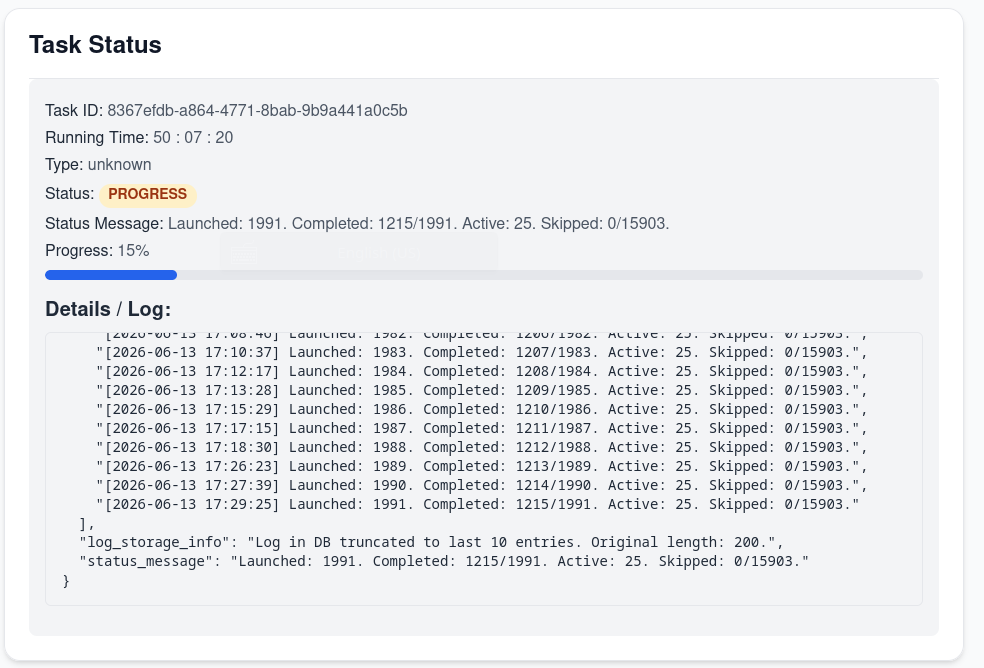
But why did you mention Grafana?
To look at the metrics, of course!


The intermediate result
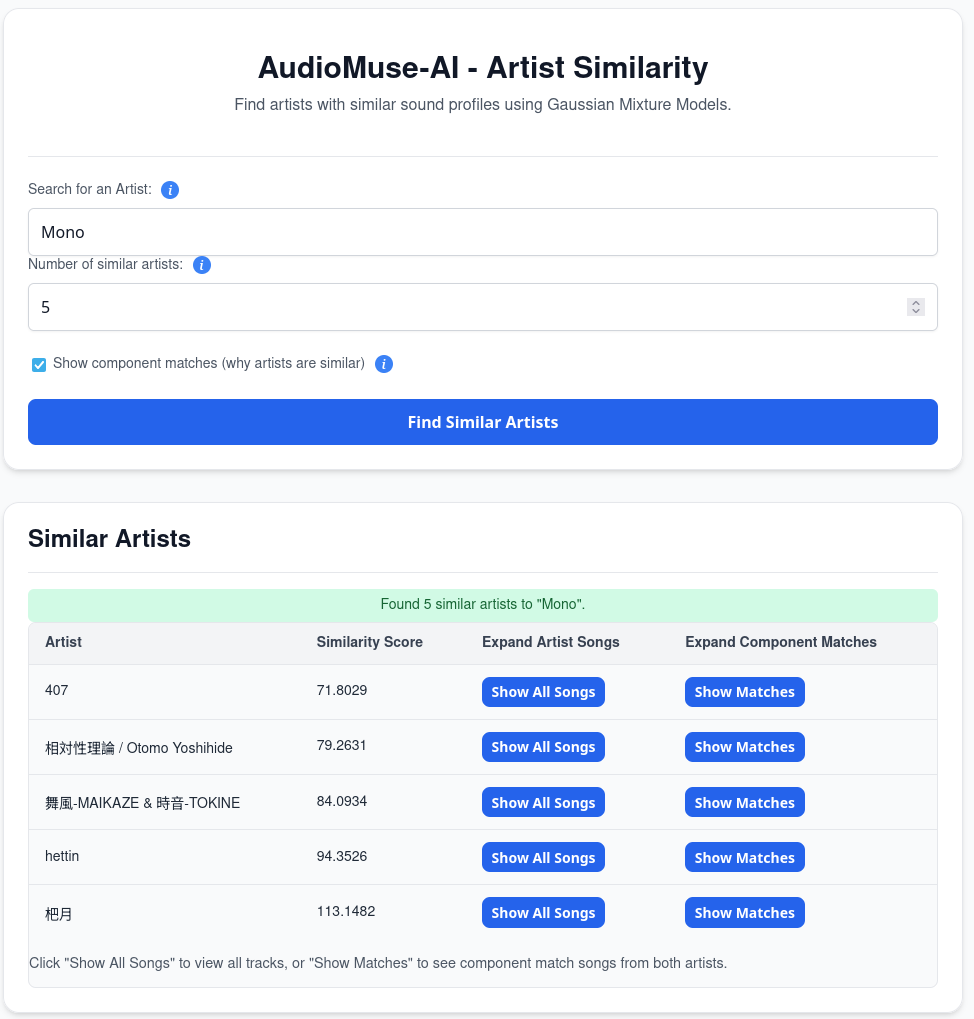
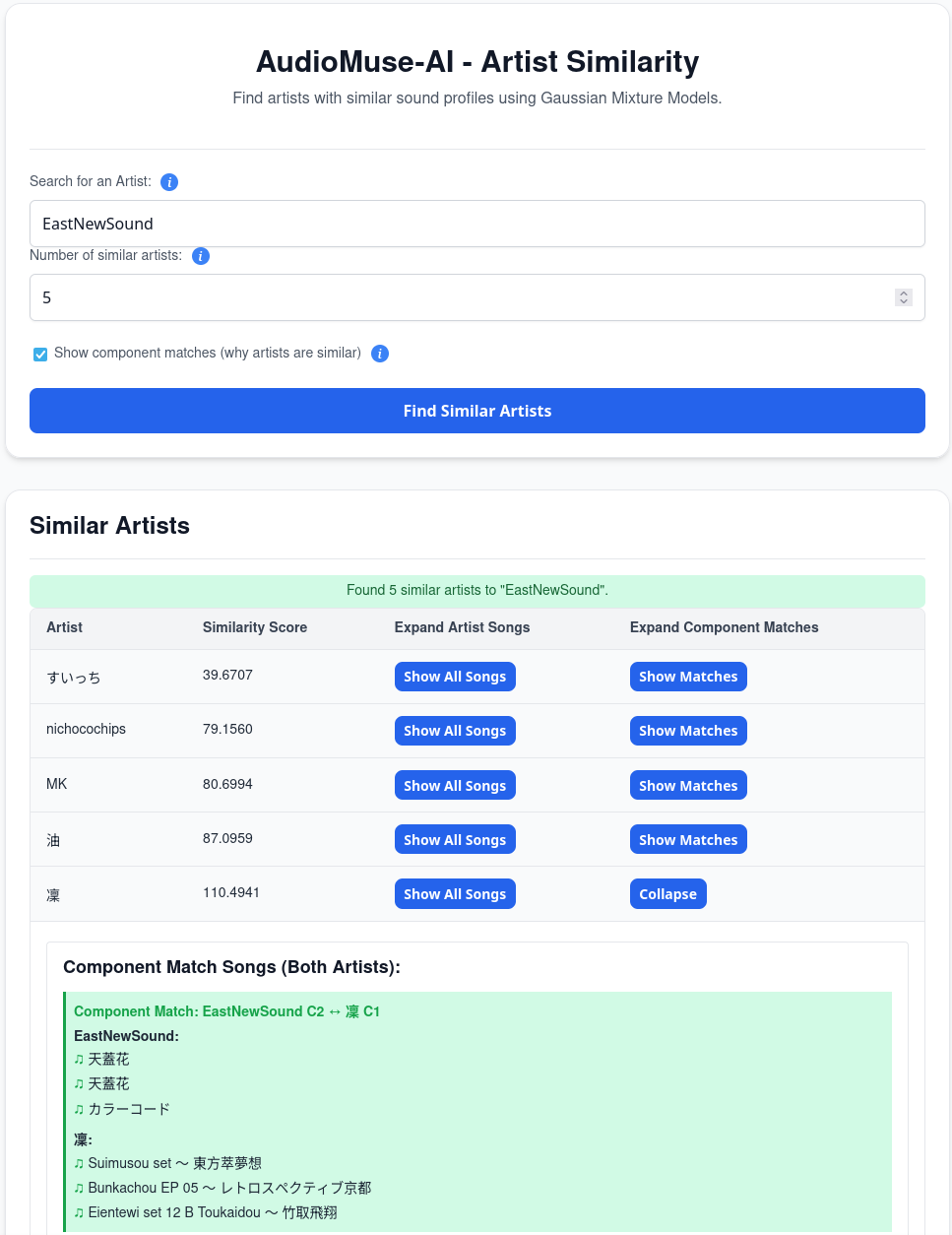
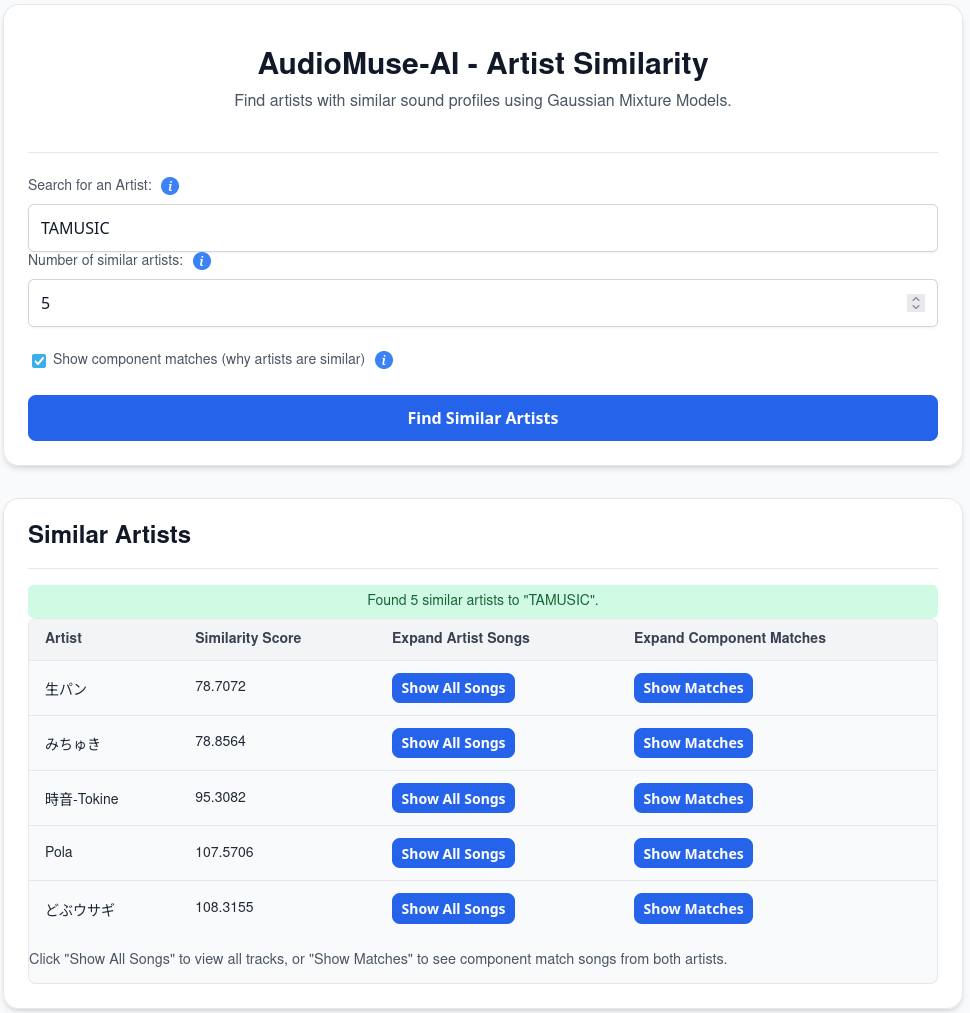
It kinda works. The whole library is far from being fully analyzed, but I am able to find similar songs, artists & create playlists within the same style.
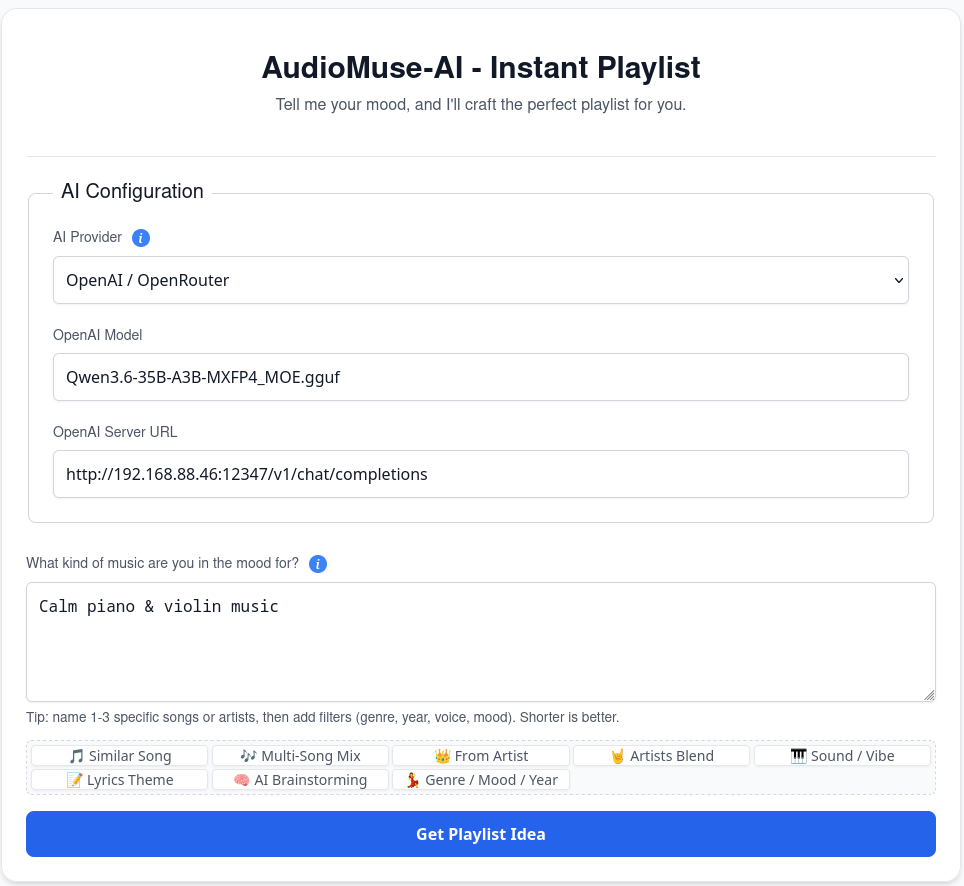
The "Instant playlist" feature works great, though! Since I know and love TAMUSIC, I "asked" to create a playlist:
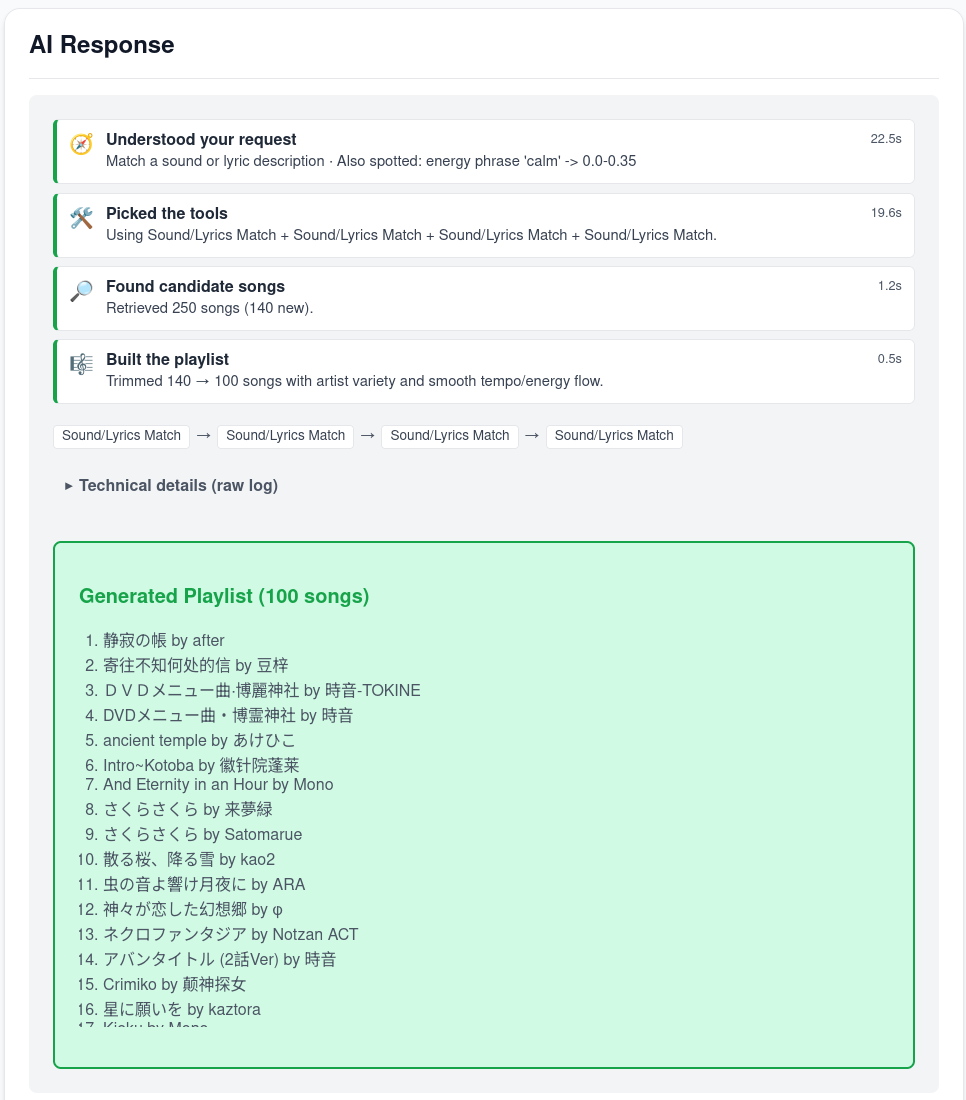
The results:
Was it worth it?
Yeah, absolutely!
No doubt. I love Touhou music, and I love the fact that I can explore TLMC more and more.